How to download your guidebook as a PDF
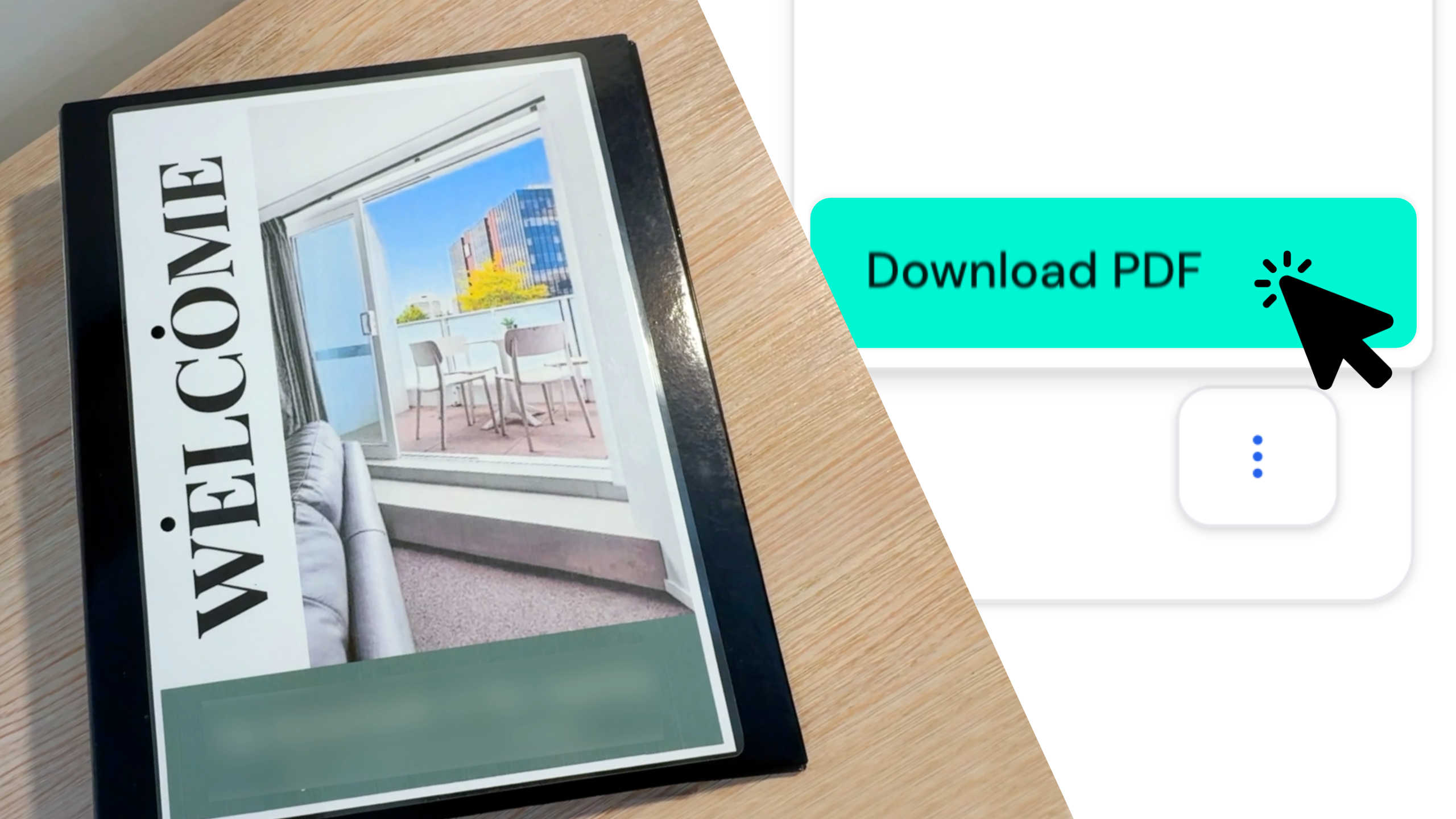
Quick answer: Make sure your guidebook shows a green “Published” tag on your dashboard. Click the three dots next to it, select Download PDF, then click Generate PDF. After a couple of seconds you’ll see a “PDF downloaded successfully” message.
Sometimes it’s handy to have a printed copy of your guidebook at your property. With InvoGuide, you can download your guidebook as a PDF whenever you need one.
Watch the Quick Tip
Do I need to publish first?
Yes. Before you can download it, your guidebook needs to be published. You can check the status from your dashboard. A published guidebook shows a green “Published” tag.
How to download your guidebook as a PDF
- From your dashboard, check your guidebook shows a green “Published” tag.
- Click the three dots next to your guidebook and select Download PDF.
- A pop-up will appear, reminding you to be mindful of printing. InvoGuide is built around going digital, so keeping paper use low is part of our mission.
- Click Generate PDF.
- It only takes a couple of seconds. Once it’s done, a “PDF downloaded successfully” message appears on the right of your screen.
A couple of things to keep in mind
- Any time you update your guidebook’s content, you’ll need to generate a fresh PDF.
- Any links you’ve placed in the digital version become QR codes in the PDF.
Frequently asked questions
Do I have to publish my guidebook before downloading a PDF? Yes. Your guidebook needs to be published first. You’ll know it’s ready when it shows a green “Published” tag on your dashboard.
Where do I find the download option? Click the three dots next to your guidebook on your dashboard, then select Download PDF.
How long does the PDF take to generate? Only a couple of seconds. Once it’s ready, you’ll see a “PDF downloaded successfully” message on the right of your screen.
I’ve updated my guidebook. Do I need a new PDF? Yes. Any time you update your content, generate a fresh PDF so it reflects your latest changes.
What happens to the links in my guidebook? Any links you’ve placed in the digital version become QR codes in the PDF, so they still work on a printed copy.
Create yours today at invo.guide. Unlimited free guidebooks, forever.

Pula Panamgama
Co-Founder & CEO
Pula is the Co-Founder and CEO of InvoGuide, leading the company's vision to make hospitality profitable and sustainable through digital innovation.
Connect on LinkedIn