How to Create a QR Code for Your Guidebook
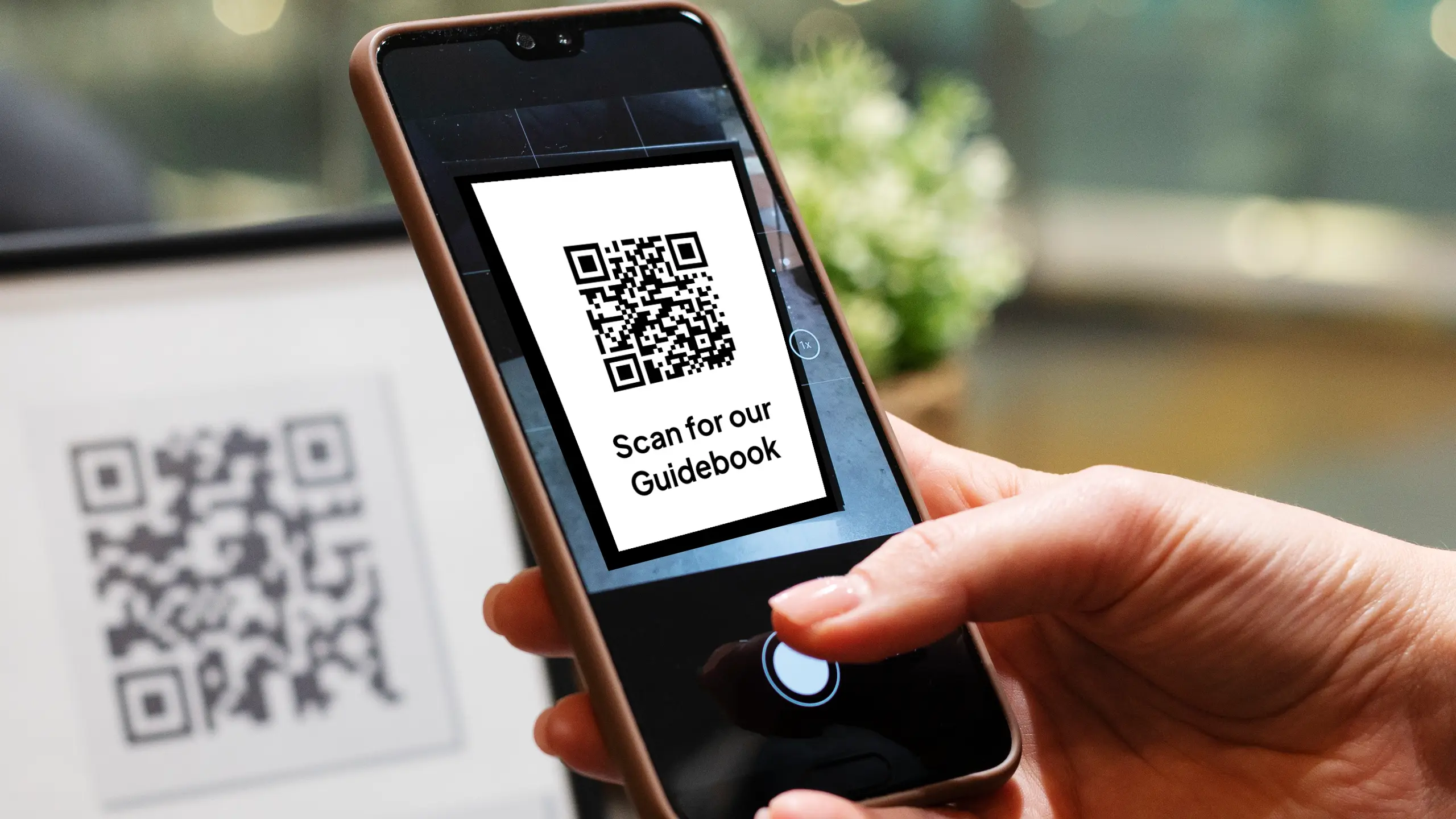
Quick answer: In InvoGuide, publish your guidebook, click the Share button on your dashboard, then select Download QR code. Your QR code downloads automatically, ready to print or share with guests.
A QR code is one of the simplest ways to get your guidebook into your guests’ hands. Leave it around your property and guests can scan it to open your guidebook in seconds. That means fewer repeat questions for you, and a smoother experience for everyone who stays.
Here’s how to create yours.
Watch the Quick Tip
Why use a QR code for your guidebook?
A QR code gives guests instant access to your guidebook without you having to send a link or explain where to find it. Once it’s printed and displayed, it works around the clock.
- Cuts down on the questions you get during a stay
- Gives every guest the same helpful experience
- Works anywhere you can display a small printout, like a welcome book, a fridge magnet, or a frame by the door
Before you start: publish your guidebook
You can only generate a QR code once your guidebook is published. You can check the status right from your dashboard.
Look for the tag on your guidebook. If it’s green and says Published, you’re good to go. If it isn’t published yet, publish it first, then come back to this step.
How to create your QR code
- Go to your guidebook in the dashboard.
- Click the Share button.
- Select Download QR code.
- Your QR code downloads automatically.
That’s it. No extra setup, no design tools needed.
What to do with your QR code
Once you’ve downloaded it, you can print it out and display it somewhere in your property, so guests always have easy access to your guidebook
A printed QR code by the entrance, in the kitchen, or inside a welcome folder tends to get the most use.
Frequently asked questions
Do I need to publish my guidebook before creating a QR code? Yes. The QR code option becomes available once your guidebook is published. Check for the green Published tag on your dashboard.
Where do I find the QR code option? Click the Share button on your guidebook in the dashboard, then select Download QR code.
Can I print the QR code? Yes. Once it downloads, you can print it and display it anywhere in your property.
How much does this cost? Nothing. InvoGuide guidebooks are free, forever.
Create yours today at invo.guide. Unlimited free guidebooks, forever.

Pula Panamgama
Co-Founder & CEO
Pula is the Co-Founder and CEO of InvoGuide, leading the company's vision to make hospitality profitable and sustainable through digital innovation.
Connect on LinkedIn