How to move an element into a different section
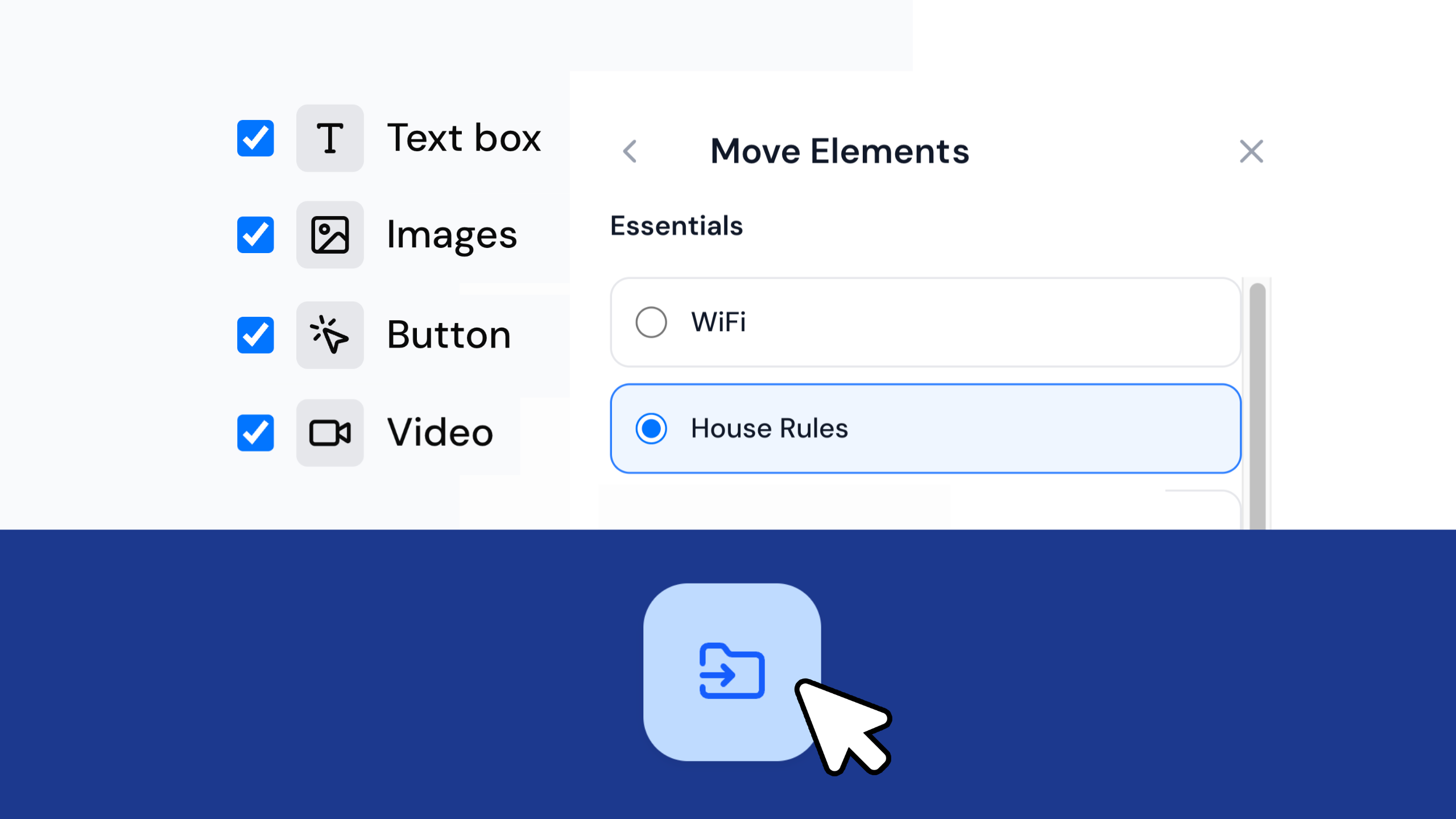
Quick answer: Tick the checkbox next to the element, click the Move button in the action bar, choose the group and section it’s going to, then click Save. The preview pane updates in real time.
Every image, text box, button and video in your guidebook is an element, and every element lives inside a section. If one ends up in the wrong place, you don’t need to delete it and start again. You can move it straight into a different section in a few clicks.
Watch the Quick Tip
Before you start: check your selections
Before you select anything, glance at the top of the screen. If “Deselect all” is showing, some Elements or Sections are already selected. You don’t want to move those by mistake. Click Deselect All to clear them, then start fresh.
How do I move an element to another section?
- Start in the section the element is currently in.
- Tick the checkbox next to it.
- Click the Move button in the action bar.
- In the popup, pick where it’s going: choose the group, then the section.
- Click Save.
The preview pane updates in real time, so you’ll see the element appear in its new section. It lands at the bottom, but you can move it wherever you like using the Reorder icon.
When you’re happy, click Save & Publish. Refresh your guidebook in a new tab and your changes are live.
Frequently asked questions
Where does the element land in its new section? At the bottom. You can then move it wherever you like using the Reorder icon.
What if other elements are already selected? If “Deselect all” is showing at the top of the screen, some Elements or Sections are already selected. Click Deselect All to clear them before you start, so you don’t move anything by mistake.
When do my changes go live? After you click Save & Publish. Refresh your guidebook in a new tab to see them.
Create yours today at invo.guide. Unlimited free guidebooks, forever.

Pula Panamgama
Co-Founder & CEO
Pula is the Co-Founder and CEO of InvoGuide, leading the company's vision to make hospitality profitable and sustainable through digital innovation.
Connect on LinkedIn