The Complete Guest Guidebook Checklist: Every Section You Need
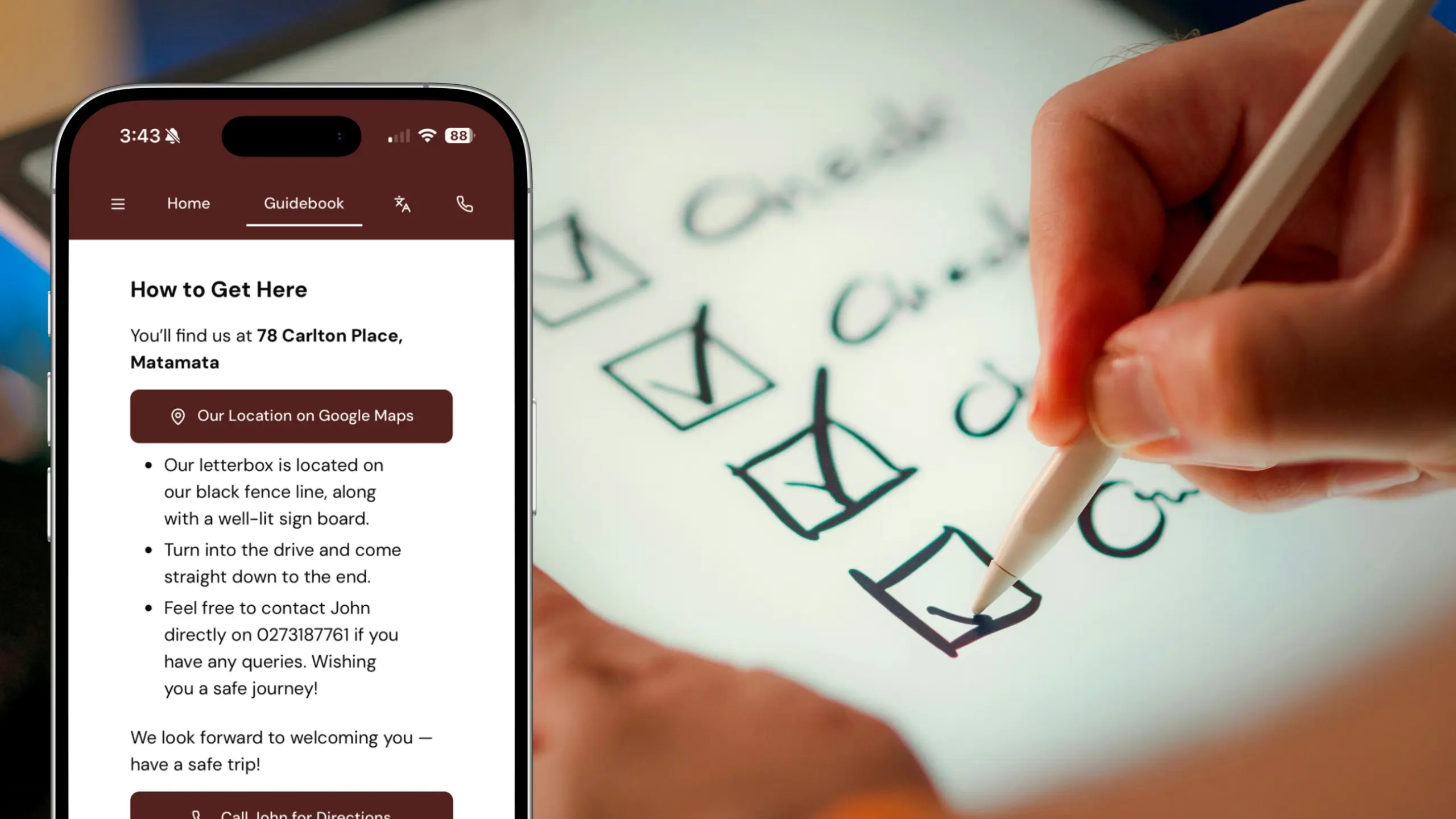
What needs to be included in a digital guidebook to make it comprehensive enough but not make it a wall of text nobody reads? That’s the question most hosts run into once they sit down to actually build one.
This guest guidebook checklist walks through every section worth including, with examples for each, so you’re never starting from a blank page.
New to digital guidebooks? Start with our step-by-step guide to creating a free digital guest guidebook for the full picture, then come back here when you’re ready to fill in the details.
What makes a guidebook actually useful for guests?
We have seen some genuinely great guidebooks built on InvoGuide. Guests have gone as far as specifically mentioning them in their reviews. This is exactly what a guidebook should be. It should help you get that five star review you deserve.
If your guests can arrive at your property well informed of what to expect and what not to expect, they will be able to truly enjoy their holiday. A well thought out guidebook can provide that assurance for the guests before they’ve even unlocked the door, and it means fewer messages landing in your inbox at 11pm. The checklist below is built around that goal: covering what guests actually need, in an order that makes sense to them.
The non-negotiables
These are the sections that prevent the “how do I get in?” and “what’s the wifi password?” messages. If you are stretched for time when creating your guidebook, make sure that you at least get these sections in.
Check-in instructions — The exact times, how to get the key or code, and what to do if they’re running late.
Address and directions — Full address, plus notes for tricky entrances, GPS quirks, or parking that’s easy to miss.
Wifi details — Network name and password, front and centre. This is consistently one of the first things guests look for.
House rules — Quiet hours, smoking policy, pets, parties, and anything else you’d rather clarify upfront than after the fact.
Emergency contacts — Your number, a local emergency contact if you’re not nearby, and the nearest hospital or urgent care.
Appliance instructions — Anything that isn’t obvious: the shower that needs a specific twist, the smart TV login, the oven that runs hot.
Property-specific sections
Once the essentials are covered, this is where you answer the questions specific to your property before guests have to ask.
Parking — Where to park, whether it’s included, and any permit or timing restrictions.
Trash and recycling — Bin locations and collection days, especially useful for longer stays.
Laundry — Washer and dryer instructions, or the nearest laundromat if you don’t have one on-site.
Extra amenities — Pool, hot tub, BBQ, games room, or anything else that needs its own quick explainer.
Known quirks — The stiff door, the light switch that’s in a weird spot, the one stair that creaks. A heads-up here prevents guests thinking something’s broken.
Local area guide sections
This is the section guests spend the most time in, and it’s often where a guidebook goes from good to unforgettable. Consider including:
Restaurants and cafes — A short, curated list beats a long unfocused one. Group by type (coffee, dinner, quick bite) if you have more than a handful.
Grocery stores and essentials — Nearest supermarket, pharmacy, and petrol station.
Things to do — Attractions, walks, or activities within easy reach, with rough travel times.
Getting around — Public transport options, rideshare availability, or your take on whether guests will need a car.
Emergency services — Nearest hospital, urgent care, or pharmacy that’s open late, separate from your personal emergency contact above.
Nice-to-have additions
A Welcome message with a bit about yourself and your property would be a nice addition. A bit of a personal touch would go a long way. Your guests have chosen to stay at someone else’s home instead of a hotel. A little history and background will make them feel right at home too. And they will treat it as such.
If you’re located in an area which might need seasonal tips, don’t hesitate to add those. Heating and firewood in winter, sun protection and bug spray in summer, or a heads-up about a local festival that fills up the streets for a weekend. It shows guests you’re thinking about their specific trip, not just running through a template.
Other additions worth considering: your personal recommendations (the coffee shop you actually go to, not just the highest-rated one), a packing tip or two if your area has unusual weather, and any upsells or extras you offer, like early check-in or a welcome basket.
Common mistakes to avoid
Making it too long — A guidebook guests won’t finish is as good as no guidebook at all. Cover what’s needed, then stop — you can ask for feedback from your guests and add more later if needed.
Letting information go stale — A wifi password that changed six months ago or a restaurant that’s since closed does more harm than having no info at all. Set a reminder to review your guidebook every few months.
Skipping visuals — A guide that’s just paragraph after paragraph is hard to skim on a phone. Photos, maps, and short videos break it up and help guests find what they need faster.
Burying the essentials — Check-in instructions and directions should never be three scrolls deep. Put the non-negotiables at the top, and save the local area content for further down.
Lengthy text blocks — Try to break down the text into bullet points where possible. This makes it easier for your readers to go through. You can also use bold or italics to highlight important text.
Adding sensitive information — A digital guidebook lives on the internet, and anyone with the link can access it at any time. Send your door code as a separate message instead of putting it in the guidebook itself.
FAQs
How long should a guest guidebook be?
Long enough to cover the non-negotiables and property-specific sections, short enough that a guest can skim it in a couple of minutes. If it feels like a document rather than a guide, it’s too long.
Do I need a separate guidebook checklist for each property?
The core sections stay the same, but the details won’t. Use this checklist as your template for every listing, then fill in the property-specific and local area sections individually for each one.
What’s the most important section in a guest guidebook?
Check-in instructions and wifi details are what guests look for first, almost always within the first few minutes of arriving. Put these at the very top of your guidebook, not buried under a welcome message.
Should I include my personal phone number in the guidebook?
Yes, guests need a way to reach you in an emergency. Just be mindful of what else you share alongside it — see the note on sensitive information above.
Can I update my guidebook after a guest has already checked in?
Yes, and you should whenever something changes, like a new wifi password or a closed restaurant. With a digital guidebook, updates apply instantly for anyone with the link, unlike a printed guide that’s already out of date the moment it’s wrong.
Save or share this checklist
Bookmark this page so you’ve got it on hand next time you’re setting up a new listing, or share it with a host who’s building their first guidebook.
Ready to put it into action? You can build your guidebook for free and work through each section from this checklist as you go, with unlimited sections and no per-property fees.

Yasasi Jayasinghe
Co-Founder, COO & CFO
Yasasi is the Co-Founder, COO, and CFO of InvoGuide, overseeing operations and finance to drive growth in the hospitality technology space.
Connect on LinkedIn